Introduction
AI is no longer locked inside a data center. It’s important to decide which is the best operating system in mobile and beyond because AI is not only at your doorstep, it’s within your home. It’s on your phone, your laptop, and increasingly, your desktop, quietly reshaping how we interact with technology every single day.
Large Language Models, or LLMs, are at the heart of this shift. From ChatGPT to locally-run models like Llama and Mistral, these systems are becoming something people actually want to run themselves.
But here’s the question nobody really stops to ask: Does your best operating system in mobile matter when it comes to running LLMs?
Spoiler: it matters a lot. Whether you’re on mobile or desktop, the OS you’re running shapes everything from performance to compatibility to how painful the setup process is. In this article, we’re breaking down the best operating system in mobile and desktop environments, and giving you 9 powerful truths about running LLMs across Linux, Windows, and macOS.
Let’s get into it.
Table of Contents
Best Operating System in Mobile Phones

Mobile has quietly become a serious platform for AI. Before we talk about desktops, it’s worth understanding where the best operating system in mobile phones conversation currently stands because it directly influences how LLMs are being developed and deployed.
Android
Android is the most widely used mobile OS in the world, and that makes it a top contender for the best operating system in mobile phones. This scale has real consequences for AI development. Because Android is open-source and runs across hundreds of device configurations, developers have far more freedom to experiment. You can sideload apps, access system resources more directly, and run tools like MLC LLM or llama.cpp ports on rooted or developer-mode devices.
Android also benefits from Google’s heavy investment in on-device AI. Features like Gemini Nano, which runs directly on supported Pixel and Samsung devices, are baked into the OS itself. For anyone interested in exploring LLMs on mobile, Android gives you more room to move.
iOS
iOS is more locked down, but that’s not entirely a bad thing. Apple’s tight hardware-software integration means iPhones and iPads extract exceptional performance from their chips. The A-series and M-series chips are genuinely powerful, and Apple’s Core ML framework makes on-device inference impressively efficient.
The tradeoff is flexibility. iOS doesn’t give you the same developer access Android does, and running unofficial or experimental LLM tools is far more restricted. That said, for polished, consumer-facing AI apps, iOS often delivers a smoother experience.
The Verdict on the best operating system in mobile
If you’re a developer or enthusiast who wants to tinker with LLMs on mobile, Android is your best bet. It’s the best operating system in mobile in spirit, given its open-source foundation. If you want clean, optimized AI performance out of the box, iOS holds its own.
How Do LLMs Run on Mobile Phones?
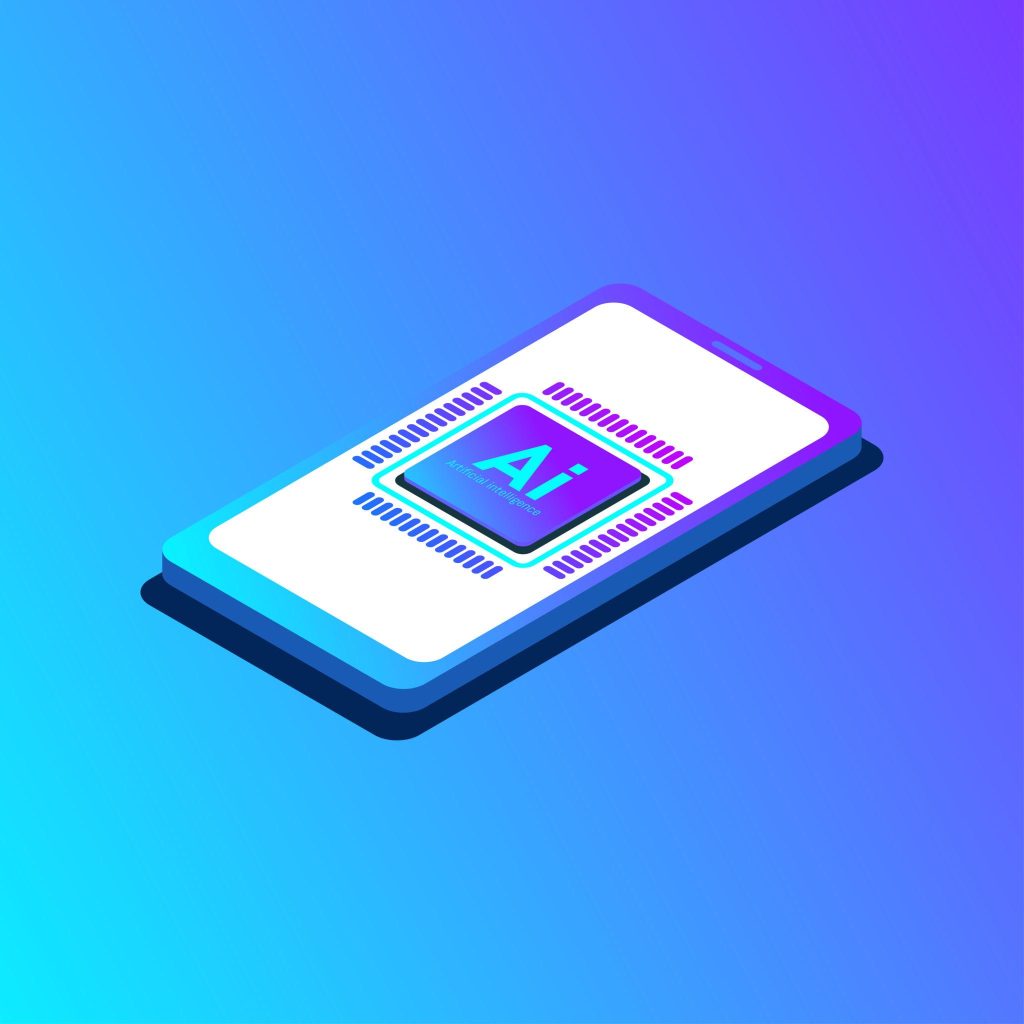
Running an LLM on a mobile device isn’t magic; it’s engineering. Here’s the simplified version of what’s actually happening.
LLMs are, at their core, massive mathematical models. Running them requires significant compute, which traditionally meant GPUs and servers. On mobile, a few things make local inference possible:
- Quantization: Models are compressed (e.g., from 16-bit to 4-bit precision) so they’re small enough to fit in mobile RAM without destroying too much quality.
- Frameworks like MLC, LLM, and llama.cpp: These tools are specifically optimized to run quantized models on device CPUs and GPUs, including mobile chips.
- NPUs (Neural Processing Units): Modern phones from Apple, Google, and Qualcomm include dedicated AI chips that handle inference tasks far more efficiently than a general-purpose CPU.
The result? You can run a 3B or 7B parameter model on a modern flagship phone today. It won’t match a cloud-hosted model, but it works — privately, offline, and without a subscription.
9 Powerful Truths About Running LLMs on Linux, Windows, and macOS
Now we get to the bottom of this. You’ve picked your hardware, you’ve got a model in mind, but which OS should you actually be running it on? Here are 9 truths that cut through the noise.
1. Linux Gives You the Most Control
If control matters to you, Linux wins — no contest. Whether it’s Ubuntu, Fedora, or Arch, Linux lets you configure your environment exactly the way you want. You choose your drivers, your Python version, your CUDA setup — nothing is abstracted away unless you want it to be. For developers running tools like Ollama, llama.cpp, or vLLM, Linux is the natural home.
2. Windows Is the Most Accessible Starting Point
Not everyone wants to configure kernel modules before running a model. Windows has the broadest hardware support, the most familiar interface, and tools like LM Studio and Ollama for Windows have made local LLM inference genuinely beginner-friendly. If you’re just starting, Windows removes most of the friction. But for the best operating system in mobile, Windows does not come close, as we haven’t heard about the new Windows phones since the Nokia Lumia days.
3. macOS Has a Secret Weapon — Unified Memory
Here’s something that surprises a lot of people. Apple Silicon Macs (M1, M2, M3, M4) use a unified memory architecture where the CPU and GPU share a single memory pool. This means a MacBook with 32GB of RAM can load a surprisingly large model entirely into memory and run inference across both CPU and GPU simultaneously. llama.cpp and Ollama both take full advantage of this through Apple’s Metal framework. For the price-to-performance ratio on LLMs, M-series Macs are hard to beat. This makes macOS one of the best operating system in mobile phones to run AI models.
4. CUDA Support Is Still a Linux-First Story
If you have an NVIDIA GPU and want to run LLMs at full speed, Linux is where NVIDIA’s CUDA drivers are most stable and best supported. Yes, CUDA works on Windows too — but driver conflicts, Windows Update interference, and WSL2 limitations mean that serious ML practitioners almost always prefer a native Linux environment for GPU-accelerated inference.
5. The Best Operating System in Mobile Phones: The Philosophy That Carries Over to Desktop
Android’s open-source roots come directly from Linux, and that same philosophy — openness, community tooling, and developer freedom — is exactly why Linux dominates in ML research environments. The best Linux OS for mobile phones and the best Linux desktop distro for LLMs share the same DNA: they prioritize control over convenience.
6. Windows Subsystem for Linux (WSL2) Blurs the Lines
To be fair to Windows, WSL2 has genuinely closed the gap. You can run a full Linux environment inside Windows, access your NVIDIA GPU through WSL2, and use most Linux-native ML tools without dual-booting. It’s not perfect — file system performance and some edge cases still lag behind native Linux — but for most users, WSL2 makes Windows a surprisingly capable LLM platform.
7. macOS Struggles With NVIDIA — And That’s a Real Limitation
Apple and NVIDIA had a falling out years ago, and macOS has had no support for NVIDIA GPUs since 2019. If your workflow depends on CUDA — and a lot of LLM tooling still does — macOS simply can’t help you there. AMD GPU support through ROCm on macOS is also limited. If you’re a Mac user, you’re betting entirely on Apple Silicon, which is a good bet — but it’s the only bet available.
8. Linux Is the Best OS for Gaming With AI Workloads Combined
If you’re someone who wants to use the same machine for gaming and LLM work — especially relevant given the overlap with best OS for gaming discussions — Linux has come a long way. Proton and Steam Deck have pushed Linux gaming forward significantly, and a well-configured Linux setup can handle both gaming and LLM inference on the same GPU. Windows is still the default for gaming, but Linux is closing in fast.
9. Your Use Case Should Drive the Choice
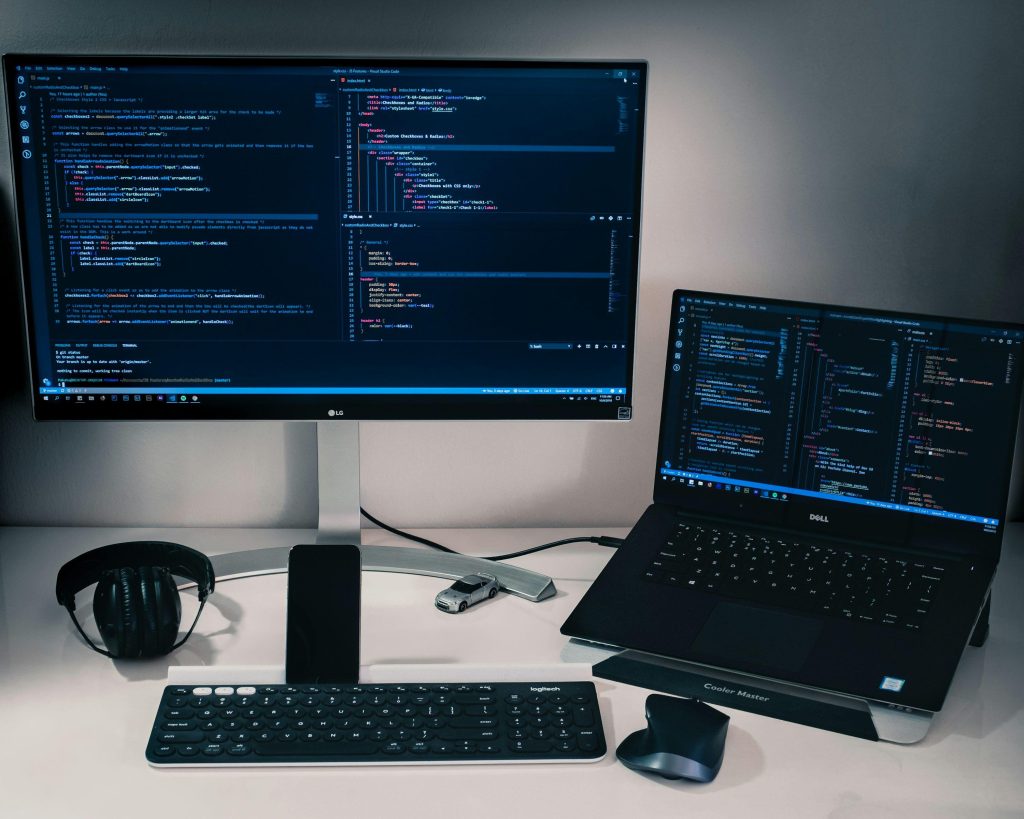
Ultimately, no OS is universally best. Here’s the honest breakdown:
- Linux: Best for developers, researchers, and anyone with an NVIDIA GPU who wants maximum performance and flexibility.
- Windows: Best for beginners, gamers, and people who need broad software compatibility alongside LLM experimentation.
- macOS: Best for Apple Silicon users who want efficient, low-hassle local inference without touching a terminal if they don’t want to.
Conclusion
We’ve covered a lot of ground here. From the best operating system in mobile phones, where Android leads for experimentation and iOS leads for polish, to how LLMs actually run on-device through quantization and dedicated NPUs. And then, through 9 honest truths about what Linux, Windows, and macOS each bring to the table for running large language models locally.
The big takeaway? There’s no single winner. Linux gives you power. Windows gives you accessibility. macOS gives you efficiency if you’re on Apple Silicon. The best operating system in mobile is the one that fits your hardware, your skill level, and what you’re actually trying to do with these models.
AI is becoming personal. The best operating system in mobile you choose is the foundation it runs on. Choose wisely.

Frequently Asked Questions
Q. Which is the best operating system in mobile for running LLMs locally?
A. Linux is generally preferred by developers for its CUDA support, flexibility, and performance. However, macOS on Apple Silicon is an excellent choice for efficient local inference, and Windows works well for beginners using tools like LM Studio.
Q. Can I run LLMs on a mobile phone?
A. Yes. Modern smartphones with capable processors can run smaller, quantized models (3B–7B parameters) using tools like MLC LLM or llama.cpp ports. Android offers more flexibility for this, while iOS benefits from Apple’s Core ML framework.
Q. What is the best operating system in mobile phones?
A. Android is effectively built on a Linux kernel, making it the most widespread Linux-based mobile OS. For enthusiasts, Linux-based alternatives like postmarketOS exist but remain experimental for daily use.
Q. Is macOS good for AI and LLM work?
A. Yes, especially on Apple Silicon. The unified memory architecture allows large models to run efficiently using both CPU and GPU. The main limitation is the lack of NVIDIA/CUDA support, which restricts some advanced ML workflows.
Q. Can Windows run LLMs without Linux?
A. Absolutely. Tools like LM Studio and Ollama for Windows make it straightforward to run LLMs natively. For more advanced GPU-accelerated workloads, WSL2 lets you run a Linux environment inside Windows, giving you the best of both worlds.
Discover more from Root Learning
Subscribe to get the latest posts sent to your email.