Switching to Linux can feel like stepping into a completely new digital world. For many people, the idea is both exciting and intimidating at the same time. You might have heard that Linux is powerful, secure, and free—but also complicated and meant only for programmers. The truth lies somewhere in between. Linux is incredibly flexible and user-friendly once you understand the basics, and it can completely transform the way you use your computer.
This guide is designed to walk you through everything you need to know before making the switch. Whether you are a student, a creative professional, or someone simply curious about exploring new technology, Linux has something valuable to offer.
Table of Contents
Understanding What Linux Really Is
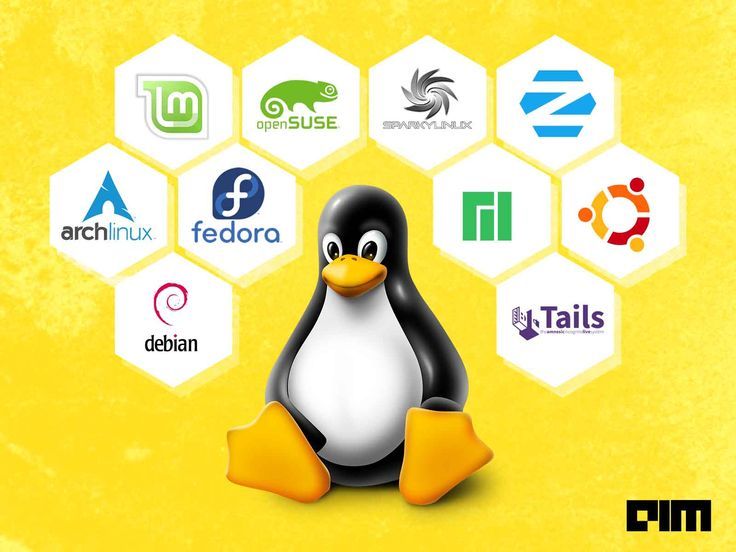
Before switching, it’s important to understand what Linux actually is. Unlike other operating systems, Linux is not a single product. It is a kernel, which means it is the core system that manages hardware and software communication. Around this kernel, different communities and organizations build complete operating systems known as distributions or “distros.”
Think of Linux as a foundation, and distros as houses built on top of it. Each distro comes with its own design, tools, and user experience. Some are beginner-friendly with simple interfaces, while others are more advanced and customizable.
What makes Linux unique is that it is open-source. This means its source code is publicly available, allowing anyone to study, modify, and improve it. This openness has led to a strong global community that continuously supports and evolves the system.
Why People Choose Linux
People switch to Linux for a variety of reasons, and understanding these can help you decide if it’s right for you.
One of the biggest advantages is that Linux is free. You don’t need to pay for licenses or worry about activation keys. This makes it especially appealing for students and budget-conscious users.
Another major benefit is security. Linux is known for being less vulnerable to viruses and malware compared to other operating systems. Its permission-based structure adds an extra layer of protection, making it a popular choice for developers and tech professionals.
Performance is another strong point. Linux can run smoothly even on older or low-end hardware. If your current system feels slow or outdated, switching to Linux can breathe new life into it.
Customization is where Linux truly shines. You can change almost everything, from the look of your desktop to the way your system behaves. This level of control is something you rarely find elsewhere.
Choosing the Right Linux Distribution
One of the most important steps before switching is selecting the right distro. For beginners, the goal should be simplicity and ease of use.
Some distributions are designed specifically for newcomers, offering clean interfaces and helpful tools. These distros often resemble familiar operating systems, making the transition smoother.
If you prefer a minimal learning curve, you should look for distributions that come with pre-installed software, easy package management, and strong community support. The availability of tutorials and forums can make a huge difference when you’re starting out.
It’s also worth considering your purpose. If you plan to use Linux for general tasks like browsing, studying, and media consumption, a lightweight and user-friendly distro will be perfect. If you’re interested in programming or system administration, you might want something more flexible and powerful.
Getting Comfortable with the Interface
One of the first things you’ll notice after switching to Linux is the desktop environment. This is the graphical interface you interact with, and it can look very different depending on your distro.
Some desktop environments are designed to feel familiar, with taskbars, menus, and icons similar to what you’re used to. Others take a more modern or minimalist approach.
The key is not to feel overwhelmed. Spend some time exploring the interface, opening applications, and adjusting settings. Within a few days, it will start to feel natural.
Unlike other systems, Linux allows you to change your desktop environment entirely. If you don’t like the default look, you can switch to another one without reinstalling your entire system.
Installing Linux: What to Expect
Installing Linux is much easier than most beginners expect. In fact, many distributions provide step-by-step installation guides that are simple to follow.
Before installing, you should decide whether you want to completely replace your current operating system or set up a dual-boot system. Dual-booting allows you to use Linux alongside your existing system, giving you the flexibility to switch between them.
Another option is trying Linux through a live USB. This allows you to run Linux without installing it, so you can test it out before making any changes to your system.
The installation process usually involves selecting your language, setting up a user account, and choosing how you want your storage to be used. Once installed, you’ll be ready to start exploring.
Software and Applications in Linux
A common concern for beginners is whether their favorite applications will work on Linux. The answer depends on the software, but in most cases, there are excellent alternatives available.
Linux comes with its own ecosystem of applications for browsing, writing, editing, and entertainment. Many popular tools also have Linux versions, making the transition easier than ever.
For software that isn’t directly available, there are compatibility layers and workarounds that allow you to run certain applications. While this might require some learning, it’s rarely a major obstacle.
One of the biggest advantages is the package manager. This is a tool that allows you to install, update, and remove software with just a few clicks or commands. It simplifies the entire process and ensures your system stays up to date.
Learning the Terminal Without Fear
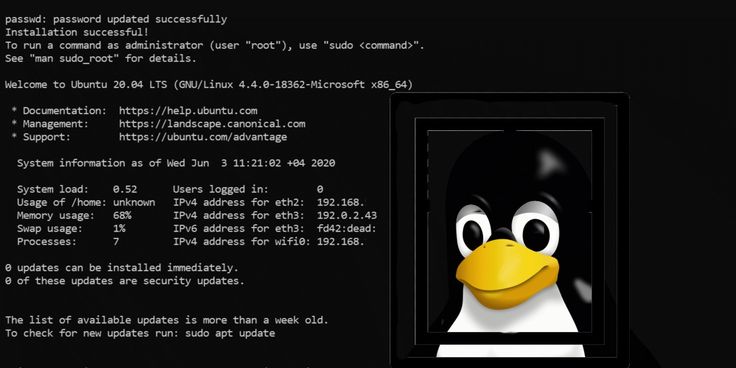
The terminal is often seen as the most intimidating part of Linux, but it doesn’t have to be. While it is a powerful tool, you don’t need to rely on it for everyday tasks.
Most beginner-friendly distributions provide graphical interfaces for common actions, so you can use Linux without touching the terminal at all.
However, learning a few basic terminal commands can be incredibly useful. It can save time, solve problems faster, and give you a deeper understanding of your system.
The key is to take it step by step. Start with simple commands and gradually build your confidence. Over time, the terminal will become a helpful ally rather than something to fear.
File Management and System Structure
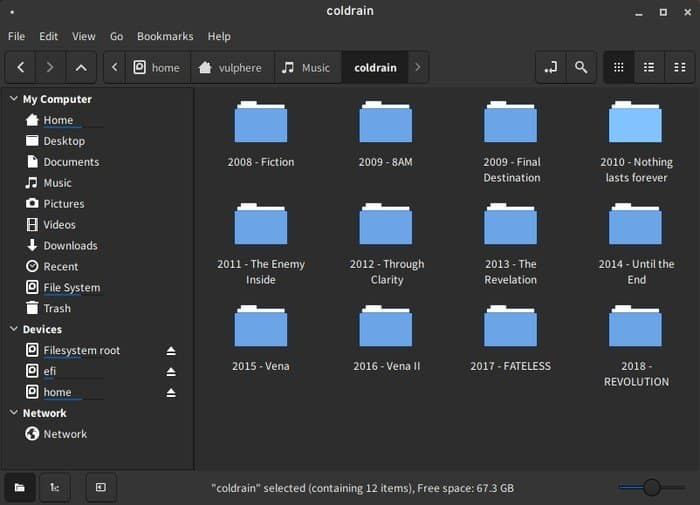
Linux organizes files differently compared to other operating systems. Instead of separate drives like C or D, everything is part of a single directory structure.
The root directory is the starting point, and everything else branches out from it. Your personal files are stored in the home directory, while system files are kept in other locations.
Understanding this structure can help you navigate your system more effectively. It also gives you greater control over how your files are organized and accessed.
File permissions are another important concept. Linux allows you to control who can read, write, or execute a file. This adds a layer of security and flexibility that can be very useful once you get the hang of it.
Updates, Maintenance, and Stability
One of the things you’ll appreciate about Linux is how it handles updates. Instead of frequent interruptions or forced restarts, updates are usually smooth and under your control.
You can update your entire system, including applications, from a single place. This makes maintenance simple and efficient.
Linux is also known for its stability. Crashes and slowdowns are less common, especially when using lightweight distributions. This reliability makes it a great choice for both personal and professional use.
Challenges You Might Face
While Linux offers many benefits, it’s important to be aware of potential challenges.
Some hardware compatibility issues can arise, especially with newer or less common devices. However, most popular hardware works well with modern Linux distributions.
Learning new workflows can also take time. Even simple tasks might feel unfamiliar at first, but this is part of the learning process.
Certain specialized software, particularly in fields like design or gaming, may not have direct Linux equivalents. In such cases, you may need to explore alternatives or use compatibility tools.
The key is patience. With time and practice, these challenges become easier to handle.
The Power of the Linux Community
One of the most valuable aspects of Linux is its community. Millions of users around the world contribute to forums, tutorials, and open-source projects.
If you ever face a problem, chances are someone has already encountered and solved it. Online communities are incredibly helpful and welcoming to beginners.
This support system makes learning Linux much easier and more enjoyable. You’re never really alone on your journey.
Is Linux Right for You?
Deciding whether to switch to Linux ultimately depends on your needs and preferences.
If you value freedom, customization, and security, Linux is an excellent choice. It gives you control over your system in a way that few other platforms can.
If you rely heavily on specific software that isn’t available on Linux, you might need to consider your options carefully.
For many beginners, the best approach is to start small. Try Linux on a secondary device or use a dual-boot setup. This allows you to explore without fully committing right away.
Final Thoughts on Making the Switch
Switching to Linux is not just about changing your operating system. It’s about adopting a new way of thinking about technology.
It encourages curiosity, learning, and creativity. It gives you the tools to shape your computing experience according to your needs.
At first, it might feel unfamiliar, but with time, it becomes empowering. You begin to understand how your system works, and that knowledge opens up endless possibilities.
If you’re willing to explore and learn, Linux can be one of the most rewarding choices you make in your digital journey.
FAQs
What does switching to Linux actually mean for a beginner?
Switching to Linux means moving to a new operating system with a different interface and tools, while still doing everyday tasks easily.
Is switching to Linux difficult for someone with no technical background?
Switching is not very difficult. Most beginner-friendly versions make the process simple and easy to learn.
Will I lose my files when switching to Linux?
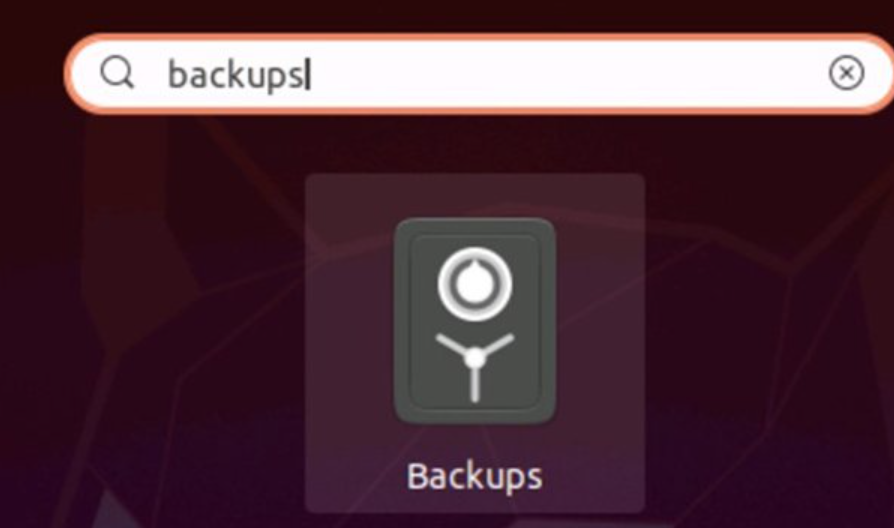
Switching can erase files if not done carefully, so backing up your data before switching is important
Can I go back after switching to Linux?
Yes, switching is reversible. You can go back anytime or use dual-boot to switch between systems.
What are the biggest benefits of switching to Linux?
Switching gives better security, performance, customization, and it’s free to use.
Discover more from Root Learning
Subscribe to get the latest posts sent to your email.